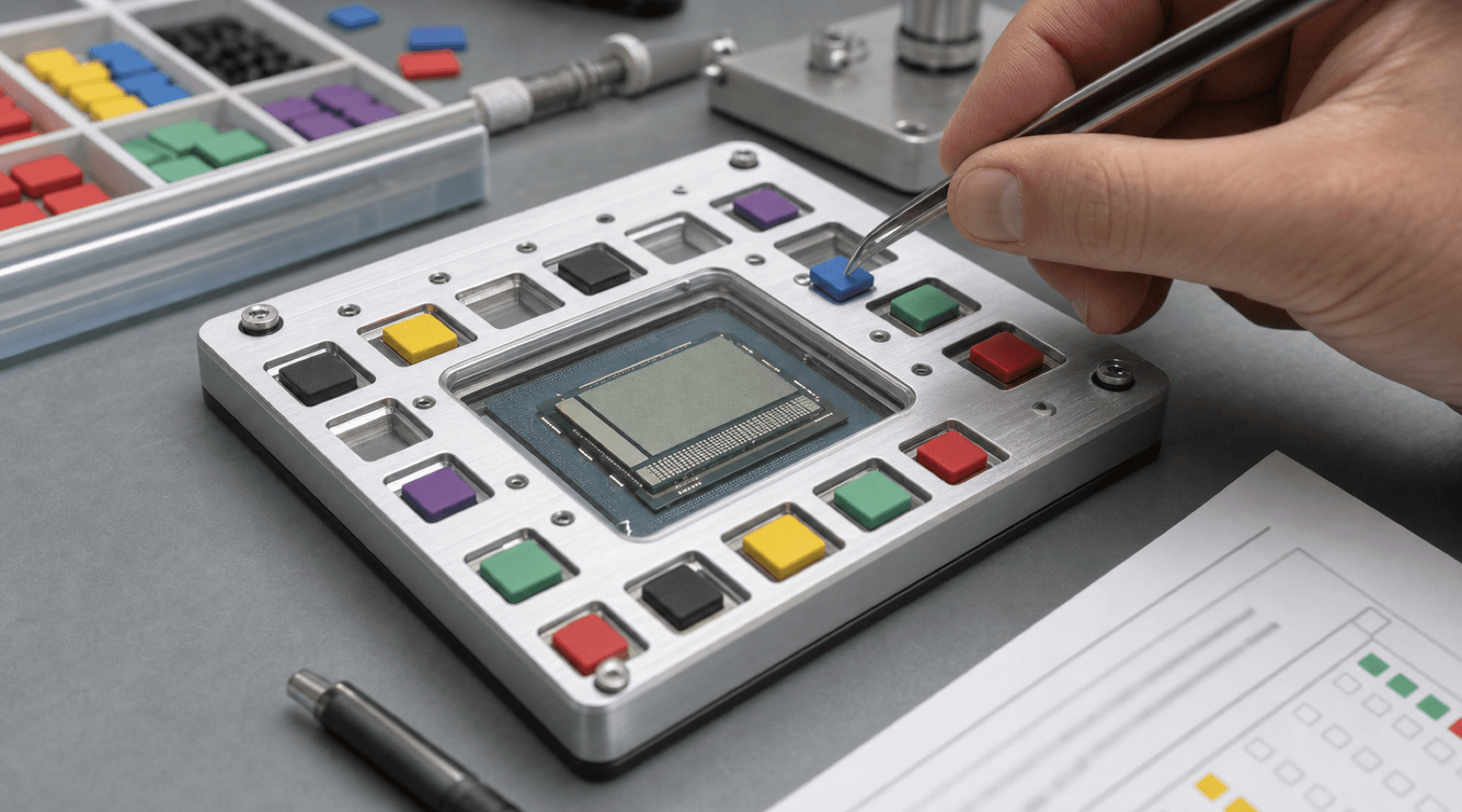
The interesting part of KDE Plasma's latest System Monitor work is not that Linux suddenly learned how to pin work to CPU cores. That machinery has existed for a long time. The useful change is that Plasma 6.8 is putting a sharp little scheduler control where desktop users already go to inspect misbehaving processes.
Phoronix highlighted the change on July 18 after Nate Graham and John Veness published the latest This Week in Plasma update. The KDE note says Plasma 6.8 will let users assign processes to specific CPUs or groups of CPUs from System Monitor. In kernel terms, that is CPU affinity: constraining where a process is allowed to run instead of leaving every runnable task to float across the whole machine.
process -> System Monitor -> CPU set
             |              |
inspect constrainThe Right Place For A Sharp Control
Affinity is not a setting most people should touch every day. The Linux scheduler is good at its job, and pinning a process badly can make performance worse. But there are real cases where an explicit lane helps: isolating an encoder, keeping a benchmark steady, stopping a noisy background task from wandering, testing a performance bug, or keeping a game, compositor, virtual machine, build job, or browser workload away from a chosen set of cores.
Until now, that kind of work usually meant reaching for tools such as taskset, writing service-level policy, or building a mental map from process IDs to cores in a terminal. That is fine for administrators and kernel people. It is less fine when the person doing the diagnosis is already staring at a graphical process monitor and wants to answer one concrete question: can I keep this workload over there?
The KDE Bugzilla ticket behind the feature makes that history clear. The request was opened in 2020 for Plasma System Monitor and asked for a graphical way to bind or unbind a process, thread, slice, or cgroup to a CPU core or range of cores. The bug is now marked resolved fixed, with version 6.8.0 listed as the implementation target.
A desktop system monitor is more useful when it can move from observation to bounded action without forcing the user to translate the problem into shell syntax first.
Desktop Scheduling Got More Complicated
This lands at the right moment because desktop CPUs are no longer simple blocks of identical cores in the way users imagine them. Many laptops and workstations now mix performance cores, efficiency cores, boost behavior, thermal limits, GPU offload, background indexers, remote desktop sessions, containers, virtual machines, and browser processes that behave like small operating systems.
Most users should still trust automatic scheduling. But power users increasingly need occasional escape hatches that are inspectable and reversible. A System Monitor affinity control gives them that. It is not a new scheduling framework. It is a manual override with context around it: the process list, resource graphs, names, ownership, and current load are visible before the user makes the change.
That context matters. A raw command can be precise, but it does not always show the neighborhood. A graphical monitor can show the neighborhood, but it often stops at reporting. KDE is closing that gap for one specific class of CPU control.
Plasma Keeps Polishing The Workbench
The same KDE weekly note includes several other Plasma changes that fit the same pattern. KWin is adding shadows, outlines, and corner rounding for client-side-decorated windows that lack them. The Task Manager is gaining global shortcuts for rearranging tasks and switching between them. System Settings' Window Behavior page is being modernized in QML. Plasma 6.7.4 is getting fixes for Discover crashes, remote desktop bandwidth reporting, pointer-size layout, and hardware-accelerated rendering regressions. Frameworks 6.29 trims a bit of memory usage through KSVG and KGUIAddons caching changes.
Those are not all headline features. They are workbench maintenance. A desktop environment earns trust by making the ordinary paths sharper: the process monitor, the update tool, the compositor, the task switcher, the settings panel, the remote desktop server. CPU affinity in System Monitor belongs in that category. It is a small control, but it sits exactly where someone will look when a machine feels wrong.
The Takeaway
KDE's CPU affinity work is a good example of power-user tooling moving up the stack without becoming toy-like. It keeps the underlying concept intact, exposes it in the inspection surface, and leaves the scheduler as the default authority unless the user makes an explicit choice.
That is the right shape for advanced desktop Linux. Not every control needs to be simplified into a wizard. Some controls need to become visible, named, and close to the evidence. Plasma 6.8 is doing that here: taking a real systems knob and giving it a desktop handle.
// Discussion
Comments
No comments yet. Start the thread.