Cinnamon's next step toward Wayland is not framed as a flag-planting exercise. That is why it matters. The Register's July 10 coverage points to Linux Mint's June 2026 update, where the project says Wayland support in the next Cinnamon release will no longer be experimental while X11 remains fully supported.
That combination is the useful part. Desktop migrations fail when they demand belief before they deliver reliability. Linux Mint is taking the more operator-friendly route: move Wayland into the supported path, keep X11 available, and spend the engineering budget on the awkward pieces that users notice immediately when a desktop feels wrong.
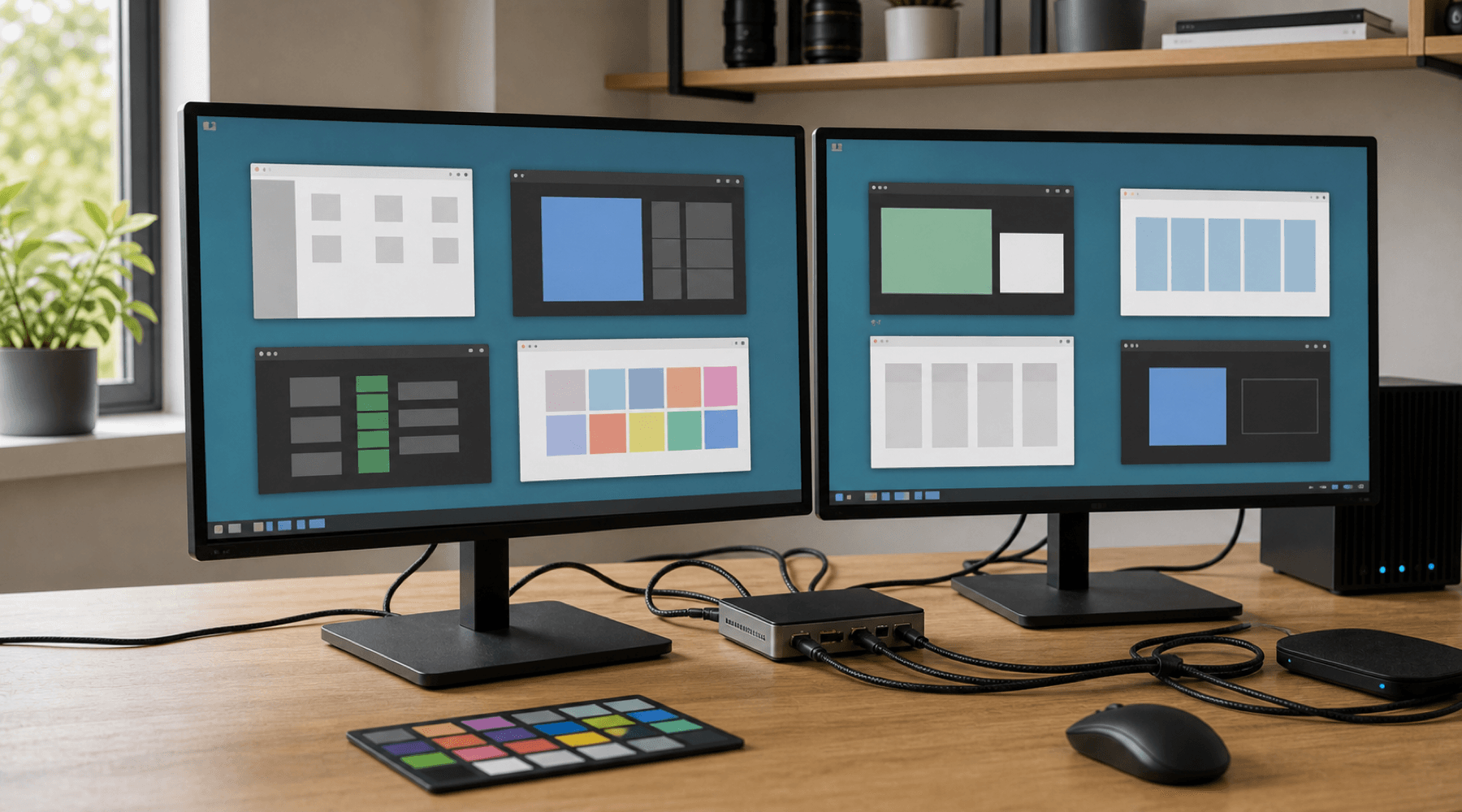
The desktop protocol debate gets loud. The actual work is quiet: window placement, focus behavior, multi-monitor setups, HiDPI, KVM switches, and old applications that still need a compatibility path.
Supported Means More Than Starts Up
A display server transition can look deceptively simple from far away. Draw windows. Move the pointer. Launch applications. Done. Real desktops are not that tidy. They are full of small contracts built up over years: where new windows appear, how applet menus anchor, whether dialogs steal focus, how progress shows in a panel, how a screen locks, how remote or mixed-display setups behave, and whether the same workflow survives across different GPUs and monitors.
The Linux Mint update lists exactly that kind of work. It calls out proper sizing and positioning for new windows, popup menus, and context menus. It mentions focus-stealing prevention, crash fixes across Cinnamon, Muffin, cinnamon-session, and Xwayland, better handling for multiple monitors and KVM switches, compositor acceleration, HiDPI fixes, root applications running as Wayland clients, and session integration work.
Those details are less glamorous than a new desktop theme, but they are the difference between a usable Wayland session and a lab build that enthusiasts tolerate. If a file manager progress indicator disappears, a context menu opens in the wrong place, or a KVM switch leaves a desktop confused, the protocol stack has failed at the level users actually experience.
desktop migration checklist:\n- windows land where users expect\n- mixed Xwayland and Wayland apps stay usable\n- HiDPI does not blur the shell\n- multi-monitor and KVM setups recover cleanly\n- X11 remains available when workflows still need itX11 Stays In The Room
The most important sentence in the Mint update is the least dramatic one: both X11 and Wayland are planned to be fully supported in the next Cinnamon version. That is a pragmatic posture. X11 is old, messy, and deeply embedded. Wayland is the future-facing architecture for many Linux desktop projects, but it still exposes edge cases whenever a workflow relies on global window knowledge, screen capture assumptions, automation tools, or legacy application behavior.
Keeping X11 around does not mean rejecting Wayland. It means acknowledging that desktop users are not all running the same hardware, applications, accessibility tools, remote support setups, or display arrangements. A conservative distribution can promote the new path without turning every user into a migration tester on day one.
That is especially aligned with Linux Mint's identity. Mint has long valued predictability over spectacle. Its users often choose it because the desktop stays familiar and gets out of the way. A supported Wayland session has to meet that bar. It cannot only be architecturally cleaner. It has to preserve the everyday feel of a desktop that already works.
The Boring Bugs Are The Hard Ones
The Register notes that the work is planned for the next Linux Mint version, scheduled for Christmas 2026, and reads the Cinnamon side as the likely 6.8 release. The timing matters less than the shape of the work. Mint is not simply declaring Wayland ready because enough time has passed. The team is describing the backlog that made it ready enough: compositor fixes, session behavior, monitor handling, Xwayland interoperability, and visual precision.
That is the right level of specificity. Wayland adoption on Linux has often been held back by the long tail of features that do not sound important until one is missing. Screenshot tools, screen sharing, global shortcuts, applets, docks, window rules, KVM switches, fractional scaling, and focus policy are not side quests for desktop users. They are the desktop.
Operational note: the migration succeeds when users stop thinking about the protocol underneath their windows.
Cinnamon's path also shows why compatibility layers remain important. Xwayland exists because users and developers cannot move every application at once. The practical desktop has to run old and new clients together, while still giving the compositor a cleaner security and rendering model over time. That is not a contradiction. It is how large software platforms actually move.
What To Watch
The next useful signal will not be whether Cinnamon can launch a Wayland session. It already can. The signal will be how normal it feels under pressure: two monitors with different scaling, an external display through a dock, a KVM switch, a Chromium-based application on HiDPI, a file copy progress indicator, a root authentication prompt, a stubborn X11 utility, and a session restart after a compositor crash.
- For Mint users: this should reduce the cost of trying Wayland without taking X11 away.
- For desktop maintainers: it is another reminder that migration quality lives in integration details.
- For application developers: mixed Wayland and Xwayland behavior will keep mattering for a while.
- For Linux desktop adoption: boring support is a stronger milestone than experimental availability.
The Takeaway
Cinnamon's Wayland work is important because it treats the desktop as a lived environment, not a protocol scoreboard. Mint is moving Wayland toward ordinary support, but it is not pretending X11 can vanish just because a cleaner architecture exists.
That is the correct trade. Users do not boot into a display server. They boot into a workday. If Wayland can carry that workday without misplacing windows, blurring panels, breaking odd monitor setups, or stranding older applications, it will not need a victory speech. It will just become the session people use.
The best desktop migrations end this way: not with a dramatic cutover, but with the new path becoming reliable enough that the old path can stop being the default argument.
// Discussion
Comments
No comments yet. Start the thread.