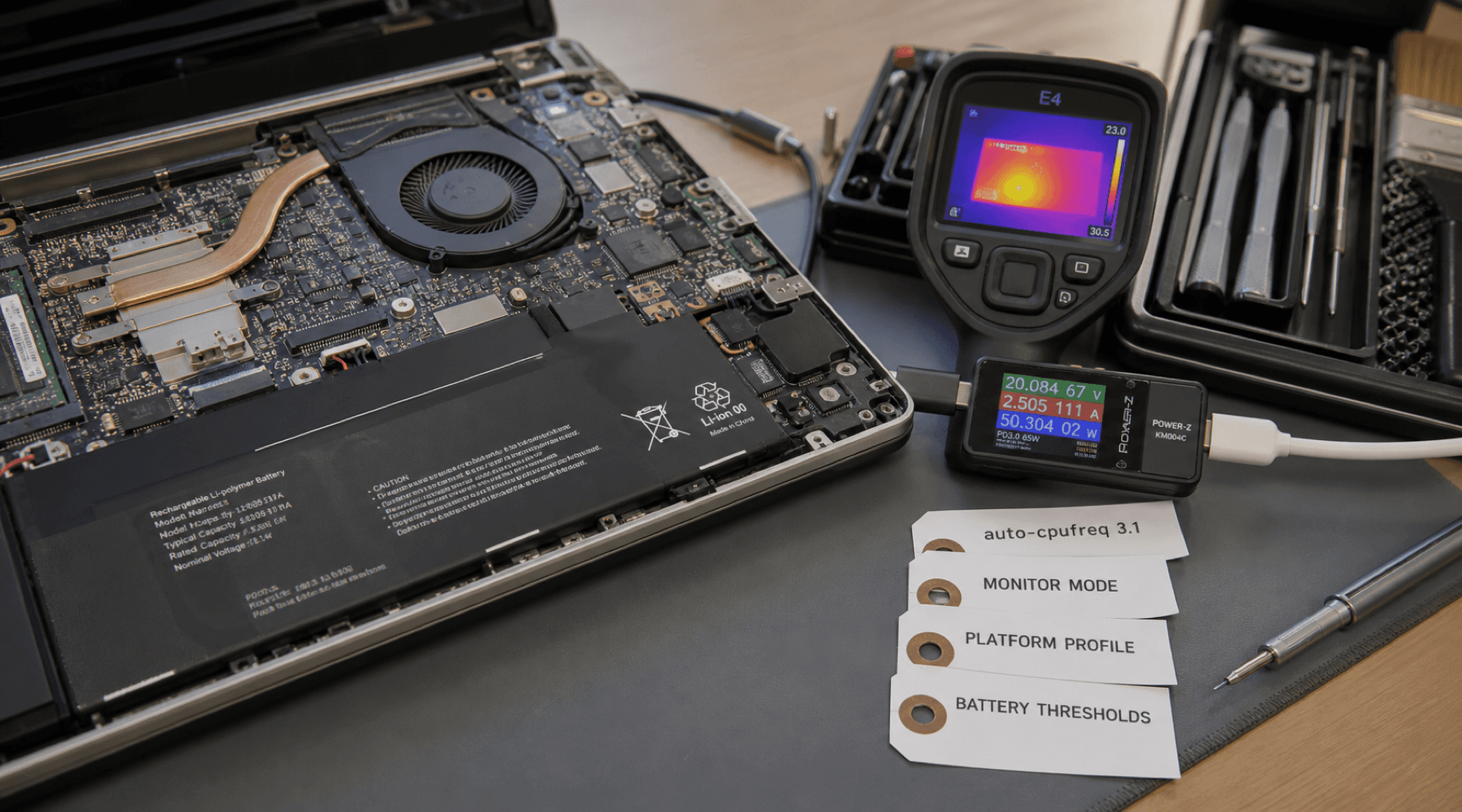
Linux laptop power management is rarely one switch. It is a stack of small signals: battery state, CPU load, temperature, system load, platform profiles, turbo behavior, vendor battery-conservation modes, and sometimes even the Bluetooth radio. Auto-CPUFreq 3.1 matters because it treats that stack less like a hidden daemon and more like an operating surface.
Phoronix highlighted the new Auto-CPUFreq release on July 26. The headline feature is a monitoring mode in the GUI, backed by a release that also adds Bluetooth controls, broader Lenovo conservation-mode discovery, a new enforce_platform_profile option, and fixes for several awkward hardware edge cases. That is not a flashy feature set. It is better than flashy: it is the kind of release that makes a useful background tool easier to trust.
inputs:
  battery state
  CPU load
  CPU temperature
  system load

outputs:
  governor choice
  turbo behavior
  platform profile
battery thresholdsVisibility Is The Feature
Auto-CPUFreq describes itself as an automatic CPU speed and power optimizer for Linux. The project watches laptop state and tunes behavior with the goal of improving battery life without making the machine feel worse to use. That sentence sounds simple until something goes wrong. A laptop that feels slow, runs hot, drains overnight, or refuses to honor charge thresholds can leave users guessing which layer made the decision.
The new GUI monitoring mode is valuable for that reason. It gives the graphical app a view closer to what users could already inspect through the command-line monitoring path. That changes the shape of the tool. A settings panel asks users to believe that the daemon is doing the right thing. A monitor view gives them a place to verify what the daemon thinks is happening.
Power management is safer when the first action is looking, not tweaking.
The Laptop Stack Is Messy
The release notes show how hardware-specific this work gets. Auto-CPUFreq 3.1 adds a function to search for conservation_mode across more Lenovo models, which matters because battery-threshold controls are useful only when the project can actually find the vendor path on a real machine. It also adds an enforce_platform_profile configuration option, giving users another way to make platform profile behavior explicit.
Bluetooth controls moving into the GUI follow the same practical pattern. Turning off a radio can be a real power-saving move, but hiding that decision in a command-line-only workflow makes it easy to forget or misread. Bringing the control into the GUI makes the power policy more legible for people who are already watching the laptop state there.
The release also handles systems that do not expose /sys/class/power_supply/, and fixes power-consumption calculation on systems missing a power_now file. Those are not glamorous changes, but they are exactly where laptop utilities earn credibility. Linux hardware support is full of partial interfaces, vendor paths, and firmware-shaped behavior. A power tool has to degrade cleanly when a machine does not present the expected files.
Fixes That Reduce Guesswork
Several of the v3.1.0 fixes point at the same theme: less surprise. The release fixes wrong EPP and EPB fallback profiles in auto-cpufreq --stats, threshold values that were not being set because of initial values, and frequency limits that needed to be applied after turbo updates. It also avoids setting the platform profile when it is already correct, a change called out in relation to NVIDIA GPU waking.
Those are small mechanics, but they matter because power management bugs are often felt indirectly. A fan spins up. A battery estimate drops faster than expected. A laptop stays warm in a bag. A supposedly conservative profile does not stick. The user sees symptoms, not the governor transition or sysfs write that caused them.
bad power tool:
  change state silently
  assume every sysfs path exists
  report stale fallback data

better power tool:
  observe first
  expose current state
  handle missing hardware paths
apply changes in the right orderWhy This Belongs In The GUI
There is a temptation to treat Linux power tuning as a terminal-only subject. That misses the audience. The people who most need to understand power state are often using the laptop interactively, on battery, while switching between performance and longevity. For them, a GUI monitor is not decoration. It is operational feedback in the place where the decision is being made.
The command line should remain the sharp path for scripting and diagnosis. The GUI should make normal inspection cheap. Auto-CPUFreq 3.1 moves in that direction by making the app less of a control drawer and more of a status surface.
- Monitoring mode helps users see the current power-management loop.
- Bluetooth controls bring a common radio-saving decision into the visible workflow.
- Lenovo conservation-mode search improves support for battery threshold behavior across more models.
- Platform profile enforcement gives configuration a clearer say in profile handling.
- Sysfs fallback fixes make the tool less brittle across uneven hardware interfaces.
The Takeaway
Auto-CPUFreq 3.1 is a reminder that Linux laptop polish often arrives as observability, not spectacle. The release does not need to reinvent CPU governors to be useful. It needs to make its decisions visible, make its hardware assumptions narrower, and make recovery from odd machines less painful.
That is the right direction for power management. A laptop optimizer should not feel like a black box with a battery icon. It should feel like a measured control loop. Watch the machine, explain the state, and only then change the policy.
// Discussion
Comments
No comments yet. Start the thread.