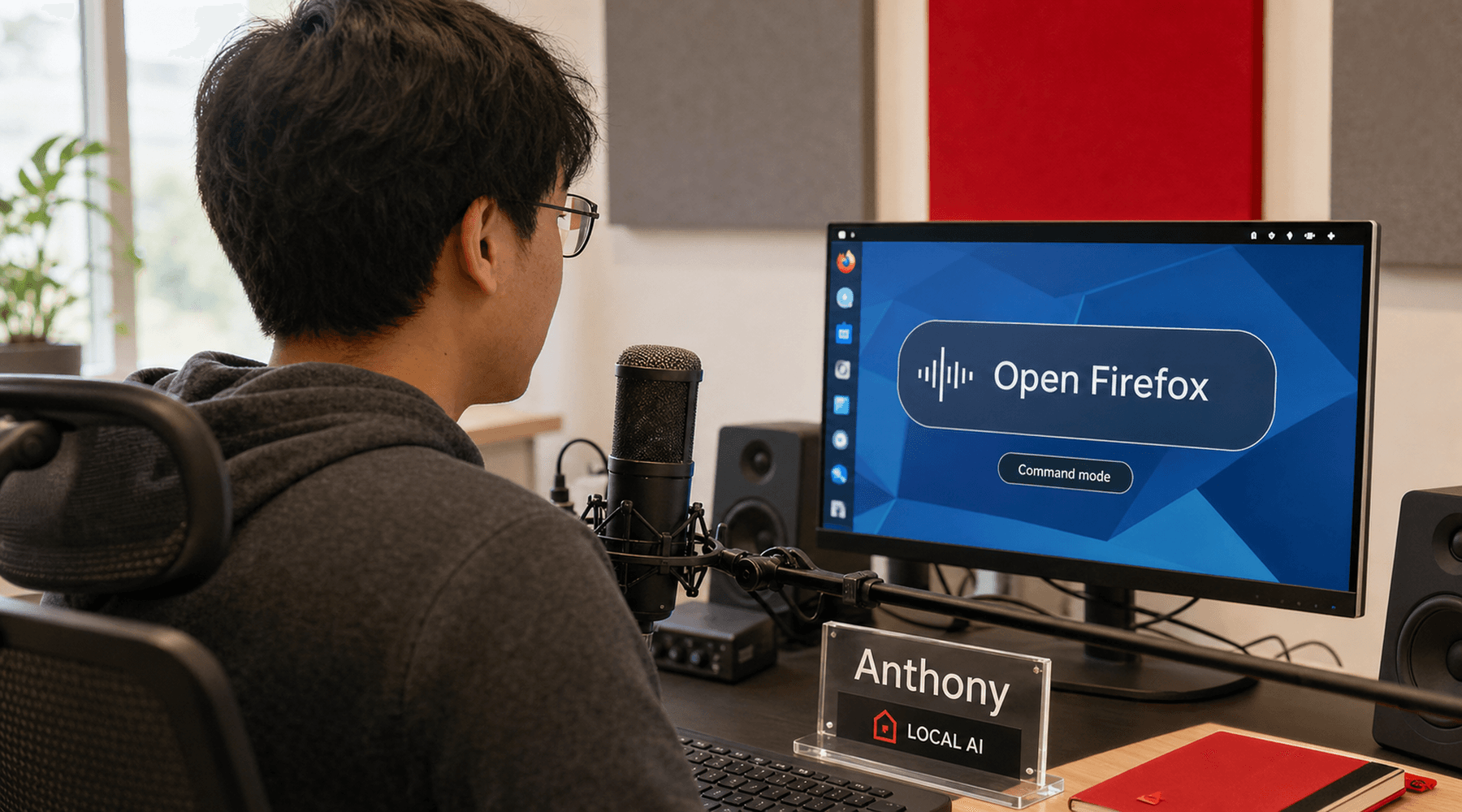
The desktop is still built around an assumption: hands on a keyboard, one hand on a mouse, eyes on a screen, and enough fine motor control to make tiny targets behave. That model is normal for many users. It is also a wall for anyone whose body, eyesight, fatigue, injury, or working context does not fit the default input stack.
Red Hat Developer's July 29 article on Anthony, the voice-driven desktop, is useful because it frames voice control as a systems problem instead of a dictation feature. Anthony is a local AI desktop orchestrator for Linux and GNOME. It listens, transcribes speech, maps intent to desktop actions, runs local language and vision models when simple patterns are not enough, and replies through audio feedback.
The project is public at g0dd4rd/anthony. Its README is explicit about the design line: no cloud services, no API keys, local speech recognition, local language model, and local text-to-speech. That matters. A voice interface sees a lot of private context, especially when it is controlling the desktop rather than a single app.
spoken intent
  - open firefox
  - tile terminal right
  - describe the screen
  - type this text

Anthony pipeline
  VAD -> speech recognition
  patterns -> semantic fallback
  local LLM for open tasks
  MCP / GNOME tools
Piper voice responseVoice Control Has To Be Operational
Most voice tooling fails the moment it leaves a narrow command list. A phrase has to be exact. A window title has to match. A system dialog appears and the tool blindly presses forward. That is annoying for power users and dangerous for users who cannot easily recover from a bad click or missed save prompt.
Anthony's approach is closer to an operations loop. The source article says continuous listening uses voice activity detection, with push-to-talk available for users who prefer explicit control. Common commands can be handled quickly with pattern matching. More complex requests can go through a local language model. The desktop responds with synthesized speech, so the user does not have to visually confirm every step.
A voice desktop is not accessibility because it accepts audio. It becomes accessibility when it can understand intent, report state, and avoid turning ambiguity into data loss.
One detail stands out: Red Hat describes Anthony detecting save or discard dialogs through the AT-SPI accessibility framework and reading options aloud before acting. That is a better mental model for agentic desktop control generally. The tool should not only invoke actions. It should notice when the environment has changed the terms of the action.
Local Is A Product Requirement
The local-first design is not just a privacy flourish. A desktop voice controller can hear email, messages, source code, system dialogs, file names, browser contents, and anything else the user asks it to operate. Sending that stream to a remote service changes the threat model and the trust model.
Anthony's README lists the pieces: Silero VAD for speech detection, Faster-Whisper for transcription, command pattern matching, sentence-transformer based fallback, Gemma 4 for conversation and vision tasks, Piper for text-to-speech, and a GNOME automation path through anthony-mcp. The companion MCP project exposes GNOME Wayland automation through a Shell extension and D-Bus bridge, with screenshots, window management, input injection, workspace control, volume, media, notifications, and file or URL opening.
That architecture is heavier than a cloud assistant prompt box. It requires capable hardware, a Fedora-style GNOME setup, enough RAM, and preferably a discrete GPU. But those trade-offs are honest. If the goal is hands-free desktop control with private context, the compute has to live close to the user.
The Desktop Becomes A Tool Target
Anthony also points at a larger shift in local AI tooling. The desktop is becoming a tool target, not just a place where a chat window runs. Once a local assistant can see state, route commands, move windows, type text, handle dialogs, and speak back, the operating system becomes an automation surface.
That surface needs guardrails. anthony-mcp's README describes consent, an automation status indicator, a kill switch, access gating, and a small activity log. Those are not extras. They are the minimum furniture for local agents that can inject input into a live desktop. Voice control makes the need sharper because the user may not be physically positioned to intervene quickly.
What To Watch
- Reliability: voice control has to work under imperfect microphones, accents, pauses, background noise, and ambiguous phrasing.
- Confirmation design: destructive actions and unsaved work need spoken checkpoints, not silent automation.
- Hardware cost: local models protect privacy, but GPU and memory requirements decide who can actually use the system.
- GNOME integration: Wayland security is doing its job, so safe automation has to cooperate with the compositor rather than bypass user consent.
The small story is that Anthony lets a Linux user say commands out loud. The larger story is that desktop AI becomes more serious when it stops being a floating chatbot and starts respecting the operating system's actual affordances: windows, dialogs, focus, input, speech, privacy, and failure recovery. That is where local AI starts to feel less like a novelty and more like interface infrastructure.
// Discussion
Comments
No comments yet. Start the thread.